Pick the apps & set the timer
Lock distracting apps like TikTok, YouTube, or Reels for 1 hour up to 7 days — or set recurring schedules for evenings, bedtime, or exam season.
 RANSOM
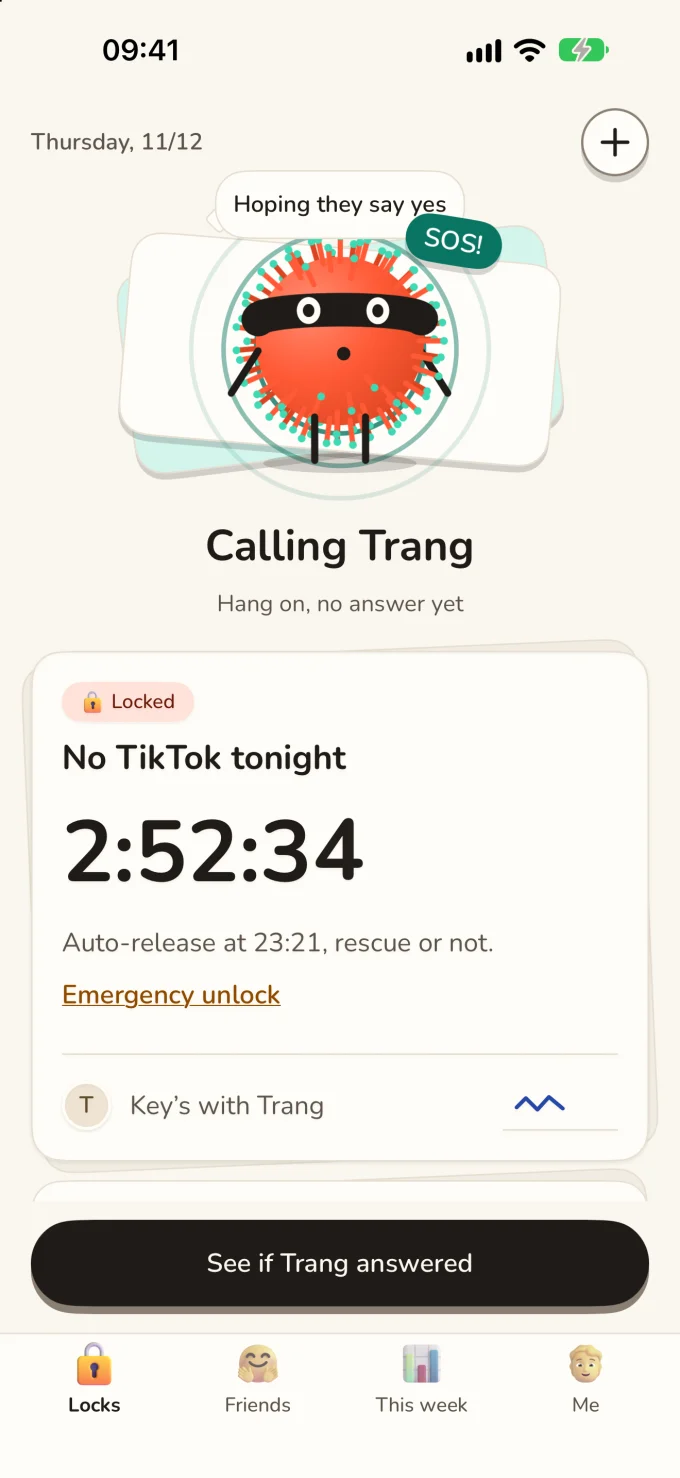
Willpower runs out at midnight. Hand the key to 1–3 close friends instead: want back into TikTok or YouTube early? Tap Call for help — they decide whether you get 15 minutes, a flat nope, or a Pomodoro task first.
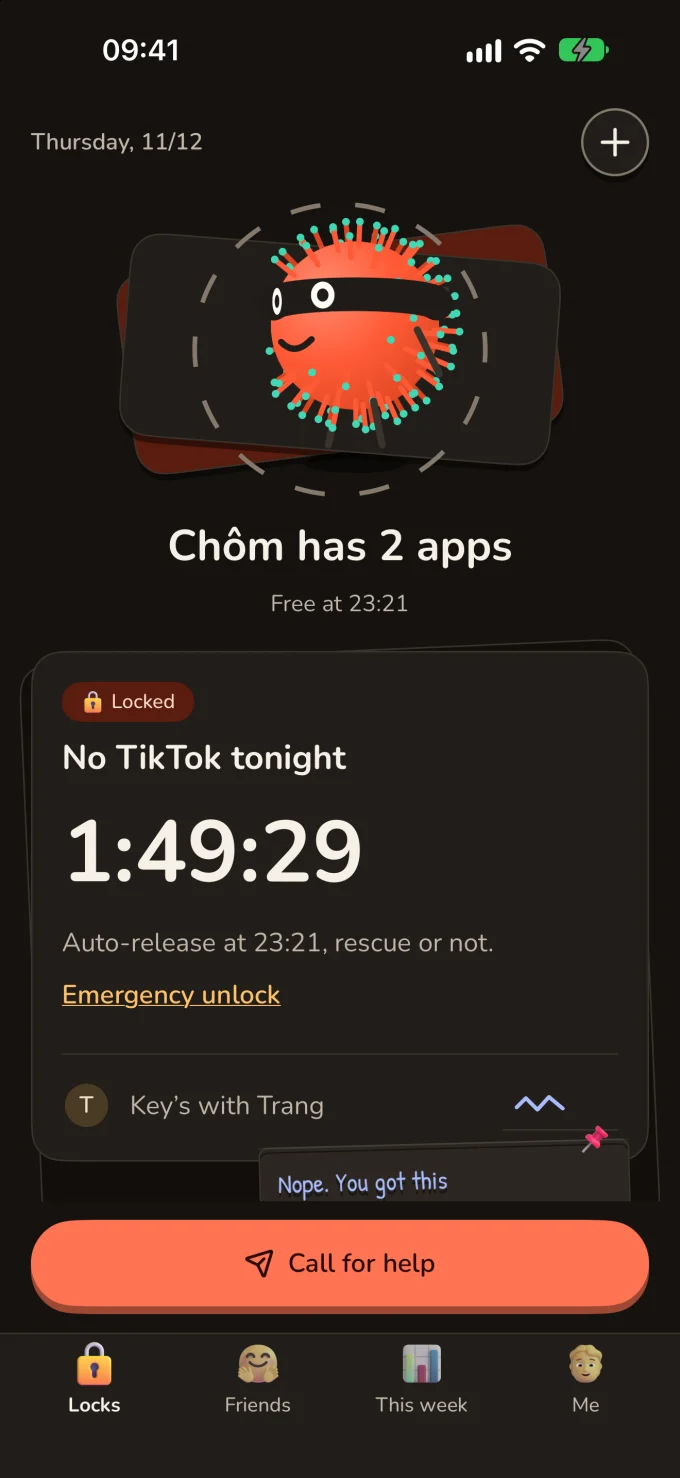
Start a lock in 15 seconds, hand a friend a 6-digit code or QR, and actually stick to what you meant to finish.
Lock distracting apps like TikTok, YouTube, or Reels for 1 hour up to 7 days — or set recurring schedules for evenings, bedtime, or exam season.
Share a 6-digit invite or QR code and sign your pledge with a finger stroke. Friends don't need an account, phone number, or email either.
Need in early? Tap Call for help. A key keeper can grant 5–60 minutes, reply no, or ask for a task (like a clean 25-min Pomodoro). When time expires, the lock closes back automatically.
Built from the ground up for iPhone (Screen Time) and Android (Accessibility) with real human accountability and guaranteed escape hatches.
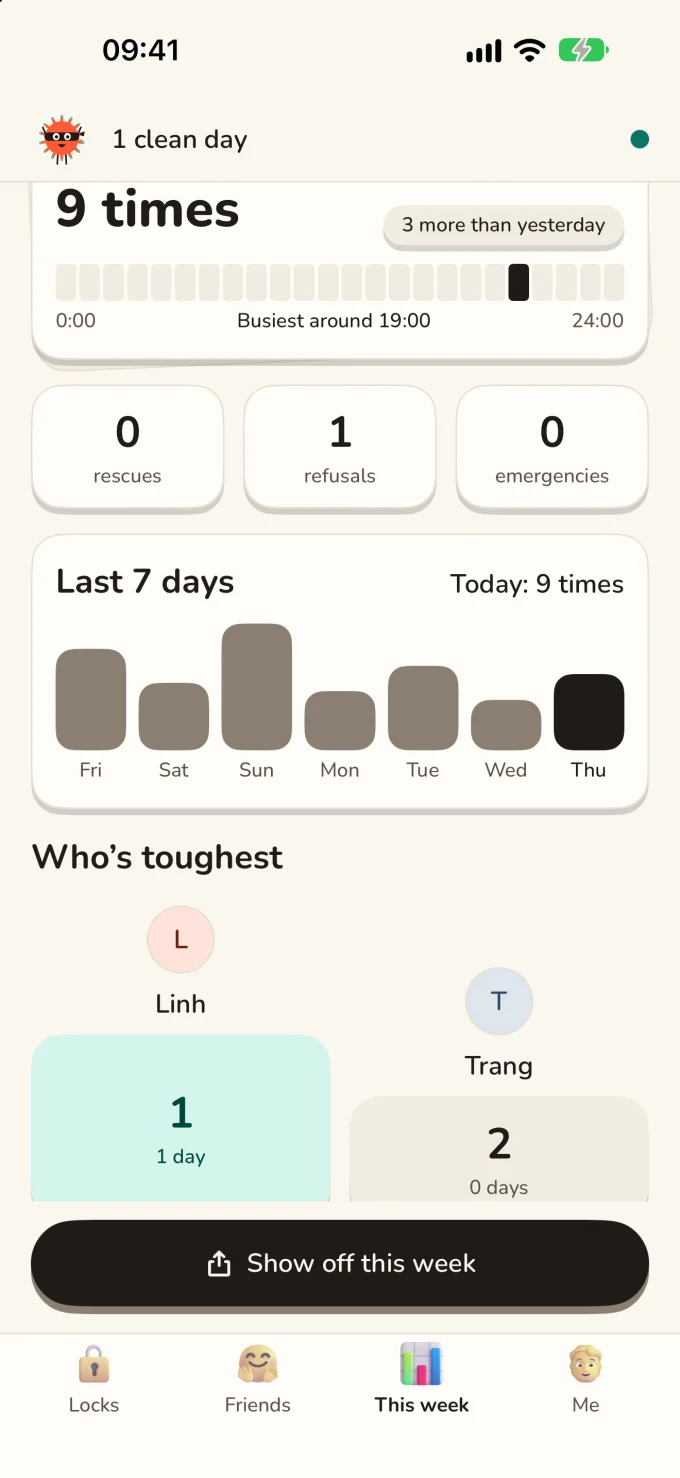
Lock together with up to 4 friends until the exact same release time, dare a friend into a focus session, leave short sticky-note replies, react, and check the 30-day toughness leaderboard.
Let one trusted friend remotely lock you when you ask them to — strictly inside the apps, hours, daily cap, and expiry date you set. You see who holds permission and can revoke it offline anytime.
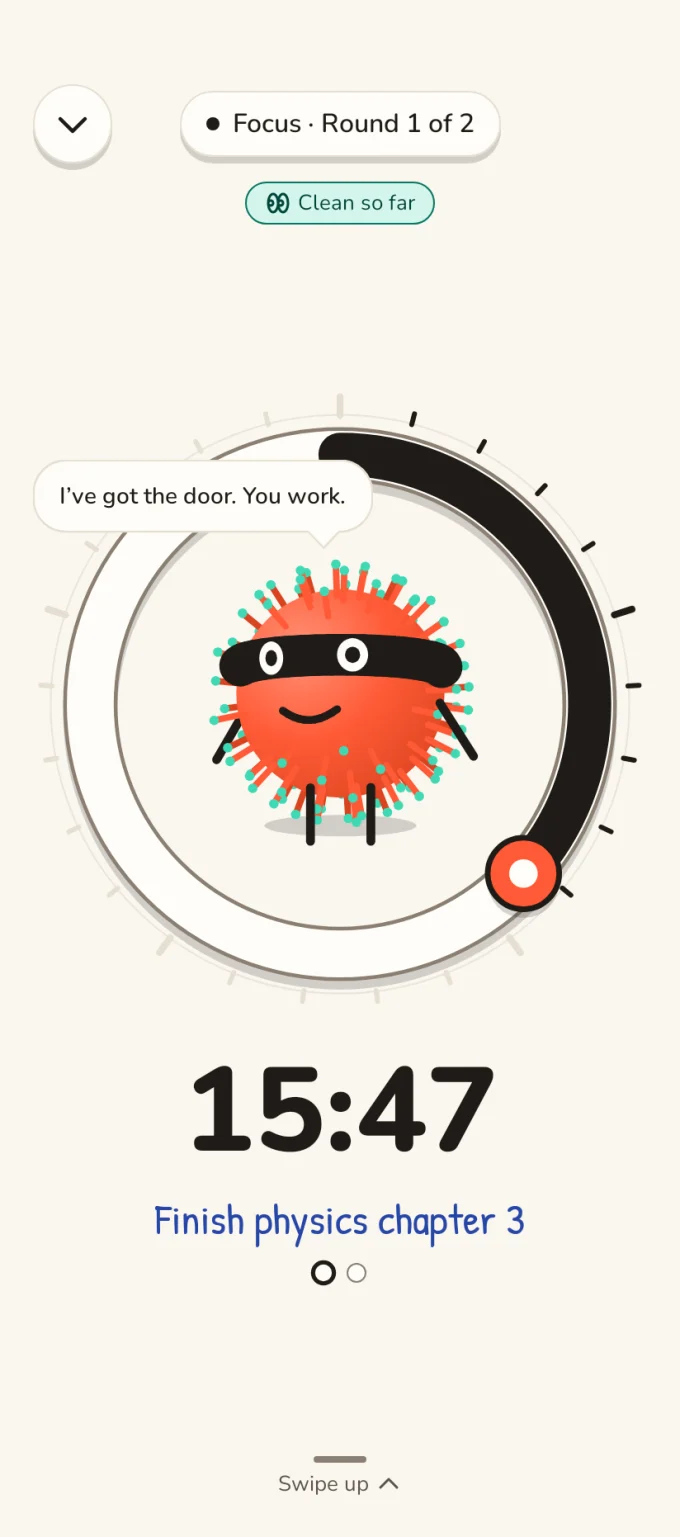
Run focus rounds while your scroll apps stay covered. Rounds where you stayed put become clean-focus proof you can attach when calling for help.
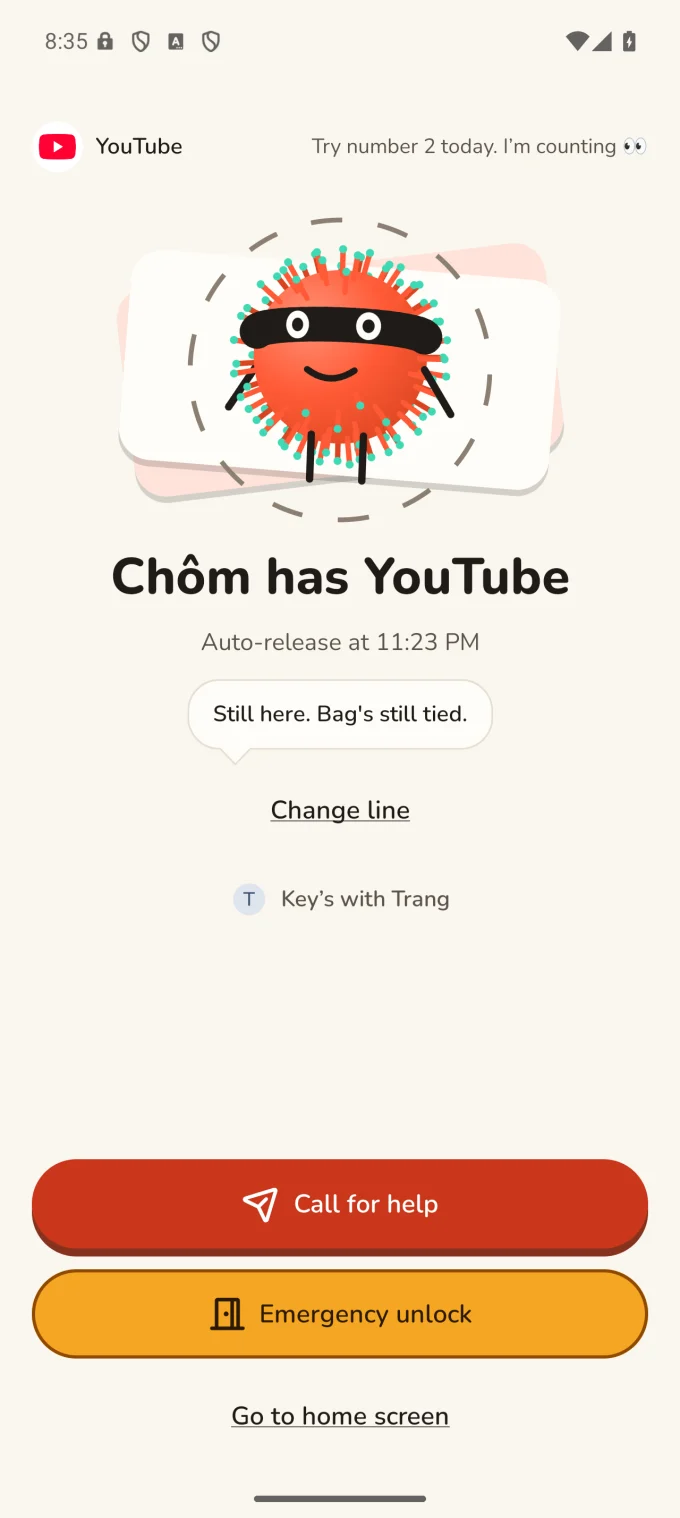
Every lock auto-releases on schedule even without internet. Tap Emergency unlock to open any lock after a 60-minute countdown (free, offline, no friend needed). Calls, SMS, emergency numbers, Settings, banking, maps, and ride-hailing are never blocked.
RANSOM doesn't even ask what apps you lock. Read the full Privacy Policy or see how deletion works.
No paywall on the block screen, no paywall when you call for help, and never a charge to use Emergency unlock.
On iPhone, RANSOM uses Apple's Screen Time API (Family Controls): iOS gives RANSOM opaque tokens rather than readable app names. On Android, RANSOM uses the AccessibilityService API locally on your device strictly to check which package just came to the foreground and cover it with Chôm's block screen. Neither platform sends app names to RANSOM's servers.
Two safeguards guarantee you are never stuck: first, every lock auto-releases on the phone at its scheduled end time even completely offline. Second, you can tap Emergency unlock on the shield or home screen to start a 60-minute offline countdown — when it finishes, the lock opens without anyone approving.
Because RANSOM stores no email or phone number, reinstalling starts a fresh random device ID and your old active locks or key keepers cannot be transferred. However, any active RANSOM Pro subscription or Lifetime purchase belongs to your Apple ID or Google account and restores cleanly via Restore purchase.
In the app, open the Me tab and tap Delete all data (if a lock is currently running, wait for release or finish an Emergency unlock first). Already uninstalled? Email us with your display name and a key keeper's display name and we will delete it within 72 hours. You can also long-press any message or photo inside a lock to report or block someone immediately.
Reach the developer directly — replies usually arrive within 24–72 hours. · Package ID: vn.ransom.app